How to Type Ñ (Enye) on a Keyboard: Windows, Mac, iPhone & Android
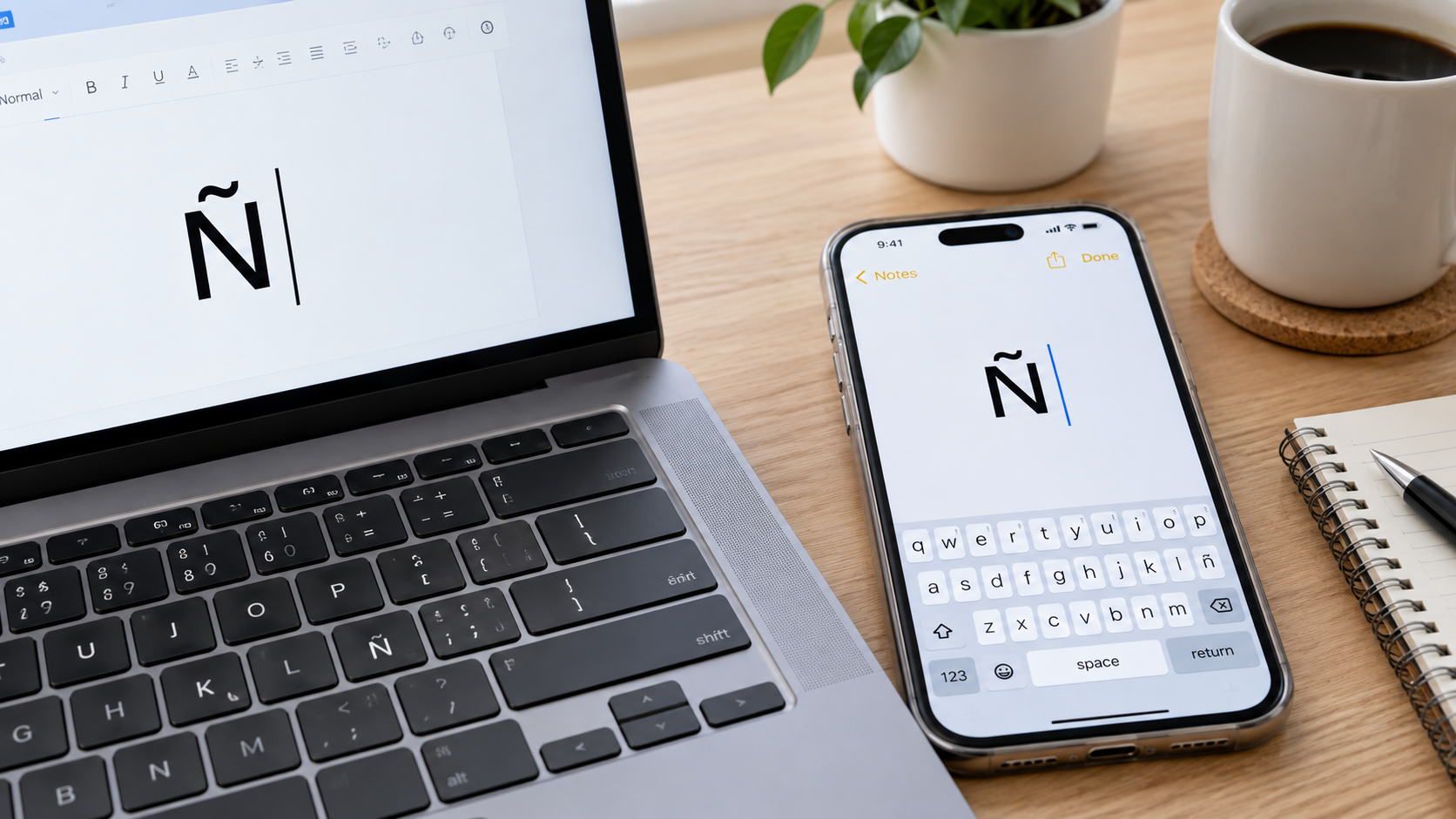
Need to type ñ or Ñ but can't find it on your keyboard? You're not alone. The enye—the letter N with a tilde—is commonly used in Filipino names and place names such as Niño, Niña, Iñigo, Peña, Las Piñas, Parañaque, Biñan, and Dasmariñas.
The good news is that you don't need a special keyboard to type it.
The easiest method depends on the device you're using. On Windows, the most familiar shortcut is Alt + 164 for lowercase ñ and Alt + 165 for uppercase Ñ, provided you have a working numeric keypad. On a Mac, you can press Option + N, followed by N for ñ. On an iPhone or Android phone, simply press and hold the N key and select the enye character.
Here is a complete guide to the different ways you can type ñ and Ñ on computers, phones and common writing applications.
Copy the ñ and Ñ Symbols
Need to type the Spanish letter enye? Click the button below to quickly copy the lowercase ñ or uppercase Ñ to your clipboard.
Small enye / lowercase N with tilde
Capital enye / uppercase N with tilde
Quick Answer: How to Type Ñ and ñ
You can copy the characters here if you need them immediately:
Capital enye: Ñ
Small enye: ñ
| Device or Application | Small ñ | Capital Ñ |
|---|---|---|
| Windows with numeric keypad | Alt + 164 | Alt + 165 |
| Windows alternative codes | Alt + 0241 | Alt + 0209 |
| Mac | Option + N, then N | Option + N, then Shift + N |
| iPhone/iPad | Press and hold N/n → ñ | Press and hold N → Ñ |
| Android | Press and hold n → ñ | Press and hold N → Ñ |
| Microsoft Word | Ctrl + Shift + ~, then n | Ctrl + Shift + ~, then Shift + N |
| Google Docs | Insert → Special characters | Insert → Special characters |
| Linux | Ctrl + Shift + U → 00f1 → Enter/Space | Ctrl + Shift + U → 00d1 → Enter/Space |
What Is the Enye (Ñ or ñ)?
Ñ is called enye, while the smaller version is ñ. It is an N with a tilde placed above it.
The character has Spanish origins and became part of the Spanish alphabet centuries ago. The Philippines also adopted it as part of the Filipino writing system. The National Commission for Culture and the Arts notes that the 1987 Filipino alphabet consists of 28 letters and traces the inclusion of ñ to earlier revisions of the alphabet.
You will often see the letter in Filipino names and locations. Examples include:
Niño
Niña
Iñigo
Peña
Muñoz
Biñan
Dasmariñas
Las Piñas
Parañaque
This is one reason knowing how to type enye in a keyboard can be useful in the Philippines, especially when entering names on forms, writing documents, sending emails or searching for Philippine locations.
How to Type Ñ and ñ on Windows
The simplest Windows method is an Alt code. This requires a numeric keypad rather than the number row above the letters.
Method 1: Use Alt + 164 or Alt + 165
To type the small enye (ñ):
Alt + 164
To type the capital enye (Ñ):
Alt + 165
You can also use the four-digit alternatives:
ñ = Alt + 0241
Ñ = Alt + 0209
Steps
Turn on Num Lock.
Place your cursor where you want the character.
Press and hold the Alt key.
While holding Alt, type 164 on the numeric keypad.
Release Alt to produce ñ.
For the uppercase version, repeat the process using 165.
For example:
Alt + 164 → ñ
Alt + 165 → Ñ
This method is widely used in Windows applications, but it depends on having a usable numeric keypad.
Important: Use the Numeric Keypad
A common mistake is trying to type Alt + 164 using the numbers at the top of a standard laptop keyboard.
Traditional Windows Alt-code input generally relies on the numeric keypad. If your laptop does not have one, use Character Map, Microsoft Word's symbol tools, the US-International keyboard layout or copy and paste instead.
How to Type Ñ on a Windows Laptop Without a Number Pad
Many modern laptops do not have a dedicated numeric keypad. Fortunately, you still have several options.
Use Windows Character Map
Microsoft's Character Map lets you find, copy and paste special characters that are not available directly on a standard keyboard.
To use it:
Press the Windows key.
Search for Character Map.
Open the Character Map application.
Find Ñ or ñ.
Select the character.
Click Copy.
Paste it into your document using Ctrl + V.
This is particularly useful when your laptop has no numeric keypad.
Use the US-International Keyboard
Another convenient option is the United States-International keyboard layout. It allows you to type accented characters without relying on Alt codes.
Once the US-International layout is enabled, you can generally create:
ñ: Shift + ~, then n
Ñ: Shift + ~, then Shift + N
This approach is helpful for people who regularly type Spanish or other languages containing accented characters.
How to Type Ñ and ñ on a MacBook or Mac
Typing enye on a Mac is straightforward.
Method 1: Press and Hold N
Apple supports an accent menu when you press and hold a letter that has accented variations.
To type lowercase ñ:
Press and hold the N or n key.
Wait for the accented-character menu to appear.
Select ñ.
For uppercase Ñ, switch to uppercase N first and select Ñ.
Method 2: Use the Mac Keyboard Shortcut
You can also create the character using a dead-key combination:
ñ: Press Option + N, release the keys, then press N.
Ñ: Press Option + N, then Shift + N.
Apple's documentation confirms that Option + N creates the tilde accent sequence on Mac keyboards that support it.
For anyone searching for an n enye shortcut, this is one of the easiest Mac combinations to remember.
How to Type Ñ in Microsoft Word
Microsoft Word has its own keyboard shortcut for letters with diacritical marks.
Lowercase ñ
Press:
Ctrl + Shift + ~, release the keys, then press n.
Result:
ñ
Uppercase Ñ
Press:
Ctrl + Shift + ~, release the keys, then press Shift + N.
Result:
Ñ
You can also use Word's symbol menu:
Open the Insert tab.
Select Symbol.
Choose More Symbols.
Find ñ or Ñ.
Click Insert.
This option is useful when you do not want to memorize keyboard shortcuts.
How to Type Ñ in Google Docs
Google Docs has a built-in special-character tool.
To insert enye:
Open your Google Docs document.
Click Insert.
Select Special characters.
Search for n with tilde, or look through the available character categories.
Select ñ or Ñ.
Google's official documentation confirms that Google Docs supports inserting special characters and lets users search for a character by name or Unicode value.
For occasional use, you can also simply copy Ñ or ñ from this article and paste it into your Google Doc.
How to Type Ñ on an iPhone or iPad
You do not need to change your iPhone keyboard just to type enye.
To type lowercase ñ:
Open the keyboard.
Press and hold the N or n key.
A menu containing accented versions appears.
Slide your finger to ñ.
Release.
To type uppercase Ñ:
Turn on uppercase typing by tapping Shift.
Press and hold N.
Select Ñ.
Apple supports press-and-hold menus for accented characters on its keyboards.
This is usually the fastest answer for people searching how to type n nye on iPhone or n enye in keyboard.
How to Type Ñ on Android
Most modern Android on-screen keyboards provide accented characters through a long press.
To type ñ:
Open the keyboard.
Press and hold the n key.
Look for the accented-character popup.
Slide your finger to ñ.
To type Ñ:
Switch to uppercase N.
Press and hold N.
Select Ñ.
The exact keyboard interface can vary depending on your phone manufacturer and keyboard app. Google's documentation for ChromeOS also notes that accented-character availability depends on the keyboard language and that supported keyboards can expose accented characters through long-press input.
If ñ does not appear, check your keyboard's language or layout settings and consider adding a language that supports the character.
How to Type Ñ and ñ on Linux or Ubuntu
Linux systems can use Unicode input.
For lowercase ñ:
Press Ctrl + Shift + U.
Release the keys.
Type 00f1.
Press Enter or Space.
Result:
ñ
For uppercase Ñ:
Press Ctrl + Shift + U.
Release the keys.
Type 00d1.
Press Enter or Space.
Result:
Ñ
The Unicode values are:
ñ = U+00F1
Ñ = U+00D1
These values are also useful for developers and users working with Unicode-compatible software.
How to Type Ñ in HTML
If you are working on a website, you can use HTML entities.
For lowercase enye:
ñ
For uppercase enye:
Ñ
These render as:
ñ
and
Ñ
You can also use Unicode representations when working directly with UTF-8 text.
For most modern websites, however, using the actual UTF-8 character is perfectly acceptable when the page is correctly configured for UTF-8 encoding.
How to Type Ñ Quickly: Copy and Paste
Need to type enye only once? Copy it here.
Capital Enye
Ñ
Small Enye
ñ
On Windows, use Ctrl + C to copy and Ctrl + V to paste.
On Mac, use Command + C and Command + V.
On a phone, press and hold the character and use your device's copy and paste controls.
Copy and paste is the fastest option for users who rarely need the character. If you type Filipino or Spanish names regularly, however, memorizing the shortcut for your device is more efficient.
What Is the Difference Between ñ and Ñ?
The two characters differ only in capitalization:
ñ = lowercase/small enye
Ñ = uppercase/capital enye
For example:
niño
Niña
Peña
Señor
Santo Niño
When writing a person's name or an official place name, preserve the capitalization used by the proper name.
Why Doesn't My Keyboard Have an Ñ Key?
Most standard keyboards are designed around a particular keyboard layout, and many English-language layouts do not include a dedicated key for every accented character.
That does not mean your computer cannot produce Ñ or ñ. The operating system can still generate the character using keyboard shortcuts, character maps, language layouts or Unicode input.
In the Philippines, this can be especially noticeable because the enye appears in Filipino names and place names even though it may not have its own physical key.
Common Problems When Typing Enye
Alt + 164 is not working
First, make sure that Num Lock is enabled and that you are using the actual numeric keypad.
If your laptop does not have a numeric keypad, use Character Map or another insertion method.
My laptop has no number pad
Use one of these alternatives:
Windows Character Map
US-International keyboard
Microsoft Word's Symbol tool
Copy and paste
The Ñ option does not appear on my phone
Your keyboard or current language layout may not support the character in that configuration. Try switching or adding a keyboard language that supports accented letters.
I typed N followed by a tilde and it looks wrong
A standalone N and a tilde are not necessarily the same as the single character Ñ.
The character Ñ has its own Unicode code point, U+00D1, while lowercase ñ is U+00F1. Using the proper character is preferable when spelling names and place names correctly.
How to Type "N Enye" in a Keyboard: Common Search Questions
How do I type n nye?
If you searched for “how to type n nye,” you are most likely looking for the enye (Ñ/ñ) character. On Windows, use Alt + 164 for ñ or Alt + 165 for Ñ with a numeric keypad. On Mac, use Option + N, followed by N.
How do I type n nye in keyboard?
To type ñ in a keyboard, the method depends on the device. Windows users with a numeric keypad can use Alt + 164. Mac users can use Option + N, then N. On iPhone and Android, press and hold the N key.
What is the n nye shortcut?
The most commonly used Windows shortcut is:
ñ = Alt + 164
Ñ = Alt + 165
On Mac:
ñ = Option + N, then N
Ñ = Option + N, then Shift + N
How do I type n nye small?
The small or lowercase enye is:
ñ
On Windows, use Alt + 164. On Mac, use Option + N, then N.
How do I type n nye capital?
The capital or uppercase enye is:
Ñ
On Windows, use Alt + 165. On Mac, use Option + N, then Shift + N.
Frequently Asked Questions About Enye
Is enye the same as the letter N?
No. Ñ/ñ is a distinct character, not simply a regular N followed by a tilde.
Is Ñ used in the Philippines?
Yes. The enye has a long history in the Philippines and appears in Filipino names, surnames and geographical names. The Filipino alphabet was standardized as a 28-letter alphabet in the 1987 revision, incorporating letters from earlier alphabet reforms.
What is the code for lowercase ñ?
The Unicode code point for lowercase enye is U+00F1.
What is the code for uppercase Ñ?
The Unicode code point for uppercase enye is U+00D1.
Can I type enye without a numeric keypad?
Yes. Windows Character Map, the US-International keyboard, Microsoft Word, Google Docs, mobile keyboards and copy-and-paste methods can all be used instead of a physical number pad.
What is the easiest way to type enye on a phone?
On most on-screen keyboards, press and hold N or n, then select Ñ or ñ. The exact interface depends on the keyboard and language configuration.
Final Takeaway
You do not need a special keyboard to type the enye (Ñ/ñ).
For the quickest methods, remember these:
Windows: Alt + 164 = ñ | Alt + 165 = Ñ
Mac: Option + N, then N = ñ | Option + N, then Shift + N = Ñ
iPhone/iPad: Press and hold N → select Ñ/ñ
Android: Press and hold N/n → select Ñ/ñ
Google Docs: Insert → Special characters
Windows without a numpad: Use Character Map
Whether you're typing Niño, Peña, Las Piñas, Parañaque, Dasmariñas or simply filling out an online form, using the correct Ñ or ñ helps preserve the proper spelling of names and words.